
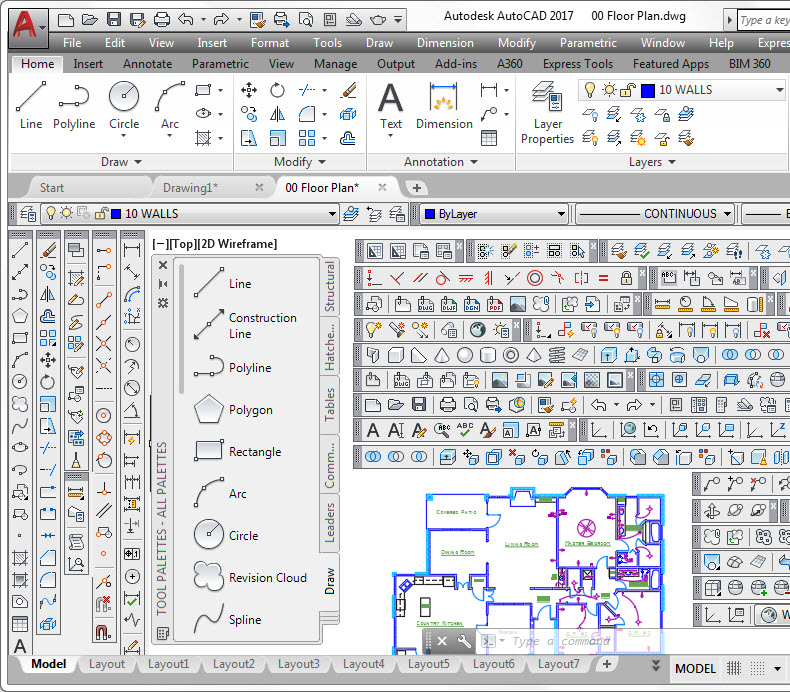
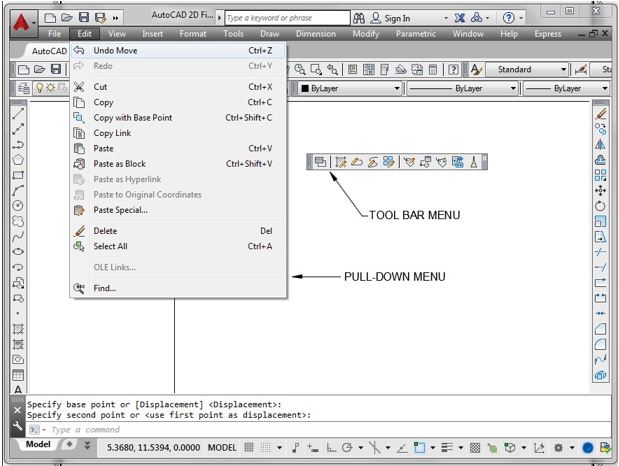
আপনার জন্য নিয়ে আসা হলো Autodesk AutoCAD 2007 Digital Version, যা এখনো অনেক শিক্ষার্থী ও ইঞ্জিনিয়ারদের জন্য একটি জনপ্রিয় ও নির্ভরযোগ্য CAD সফটওয়্যার।
এই পণ্যটি সম্পূর্ণ ডিজিটাল প্রোডাক্ট, এবং এতে আপনি পাবেন একটি Crack License সহ সফটওয়্যার অ্যাক্টিভেশন সুবিধা। আজীবন ।
AutoCAD 2007 হলো একটি শক্তিশালী 2D Drafting সফটওয়্যার, যা ব্যবহার করে আপনি সহজেই—
করতে পারবেন।
📐 সহজ ও দ্রুত 2D Drawing Tools
🧱 বেসিক 3D ডিজাইন সাপোর্ট
📄 DWG ফাইল সাপোর্ট
🧩 Layer System সুবিধা
⚡ লাইটওয়েট ও পুরোনো PC-তেও রানযোগ্য
💻 সহজ ইউজার ইন্টারফেস
✔️ শেখার জন্য আদর্শ সফটওয়্যার
✔️ কম স্পেসিফিকেশন PC-তে চালানো যায়
✔️ সিভিল ইঞ্জিনিয়ারিং শিক্ষার্থীদের জন্য উপযোগী
✔️ দ্রুত ও হালকা পারফরম্যান্স
✔️ ক্লাসিক ও স্থিতিশীল ভার্সন

আপনার ডিজাইন ও ইঞ্জিনিয়ারিং কাজকে সহজ করতে এখনই সংগ্রহ করুন আপনার প্রয়োজনীয় সফটওয়্যার।
🧱 Autodesk AutoCAD 2007 – Digital Product (Lifetime Access)
We bring you the digital version of Autodesk AutoCAD 2007, a CAD software that remains popular and reliable among many students and engineers.
This is a fully digital product that includes the software along with a crack/license for lifetime activation.
✨ Product Description
AutoCAD 2007 is a powerful 2D drafting software that allows you to easily handle:
🏗️ Building plan designs
📐 Civil engineering drawings
🧱 Section and elevation creation
📊 Technical drafting tasks
🎓 Student projects and practice work
⚙️ Key Features
📐 Easy and fast 2D drawing tools
🧱 Basic 3D design support
📄 DWG file support
🧩 Layer system functionality
⚡ Lightweight; runs even on older PCs
💻 User-friendly interface
💡 Why choose AutoCAD 2007?
✔️ Ideal software for learning
✔️ Runs on low-specification PCs
✔️ Suitable for civil engineering students
✔️ Fast and lightweight performance
✔️ A classic and stable version
📦 What you get
📥 Autodesk AutoCAD 2007 Setup (Digital Download)
🔑 Original License Key (Activation Key Included)
📄 Installation Guide (Easy-to-follow instructions)
🛍️ BoguraShop – Digital Software Collection
Get the software you need today to simplify your design and engineering work.
Based on 0 Reviews




Product reviews
No reviews yet.